

Many Joomla form extensions are powerful, but often more complex than needed. If you just want a clean, reliable contact form, there is a much simpler approach.
Step 1: Install a Form Extension
Install a lightweight form builder like Postbox.
Step 2: Create a New Form
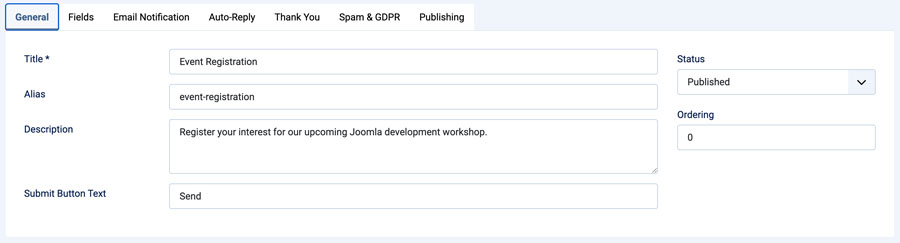
- Go to Postbox > Forms
- Click New
- Add title and description
Step 3: Add Fields
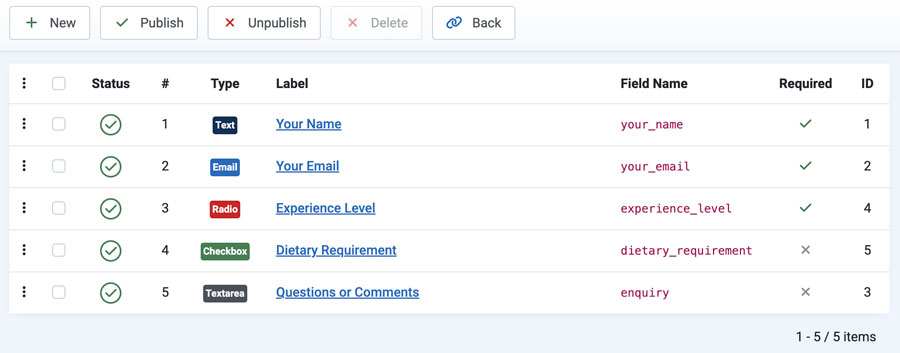
- Name
- Message
- Dropdowns / checkboxes
Step 4: Configure Email Notifications
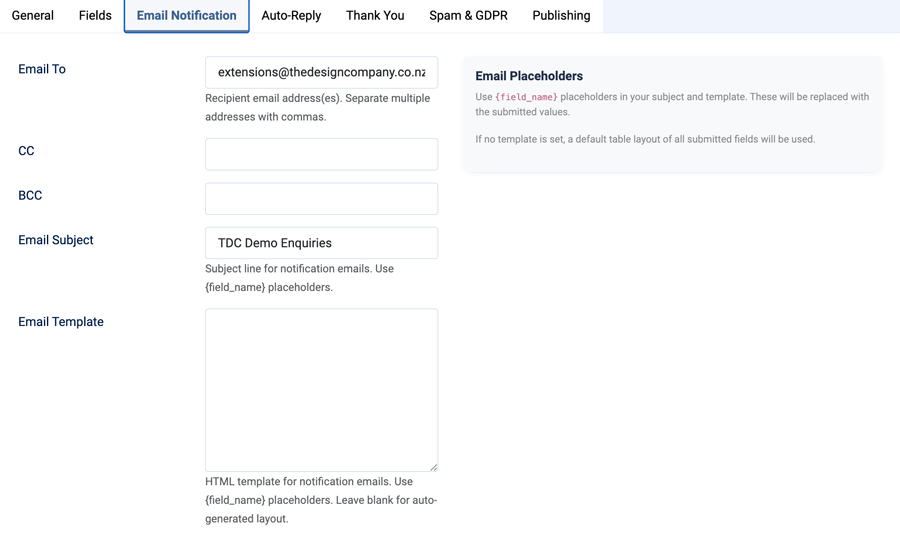
Set recipient email, subject, and message template using placeholders.
Step 5: Enable Auto-Reply
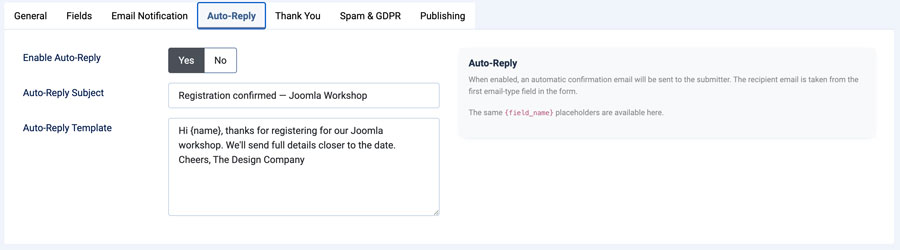
Send automatic confirmation emails to users.
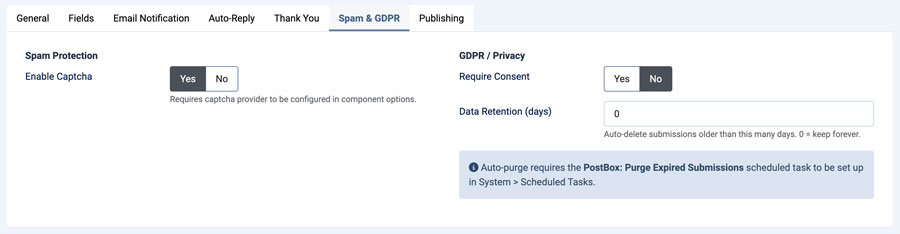
Step 6: Add Spam Protection & GDPR
- Enable CAPTCHA
- Add consent
- Set data retention
Step 7: Publish the Form
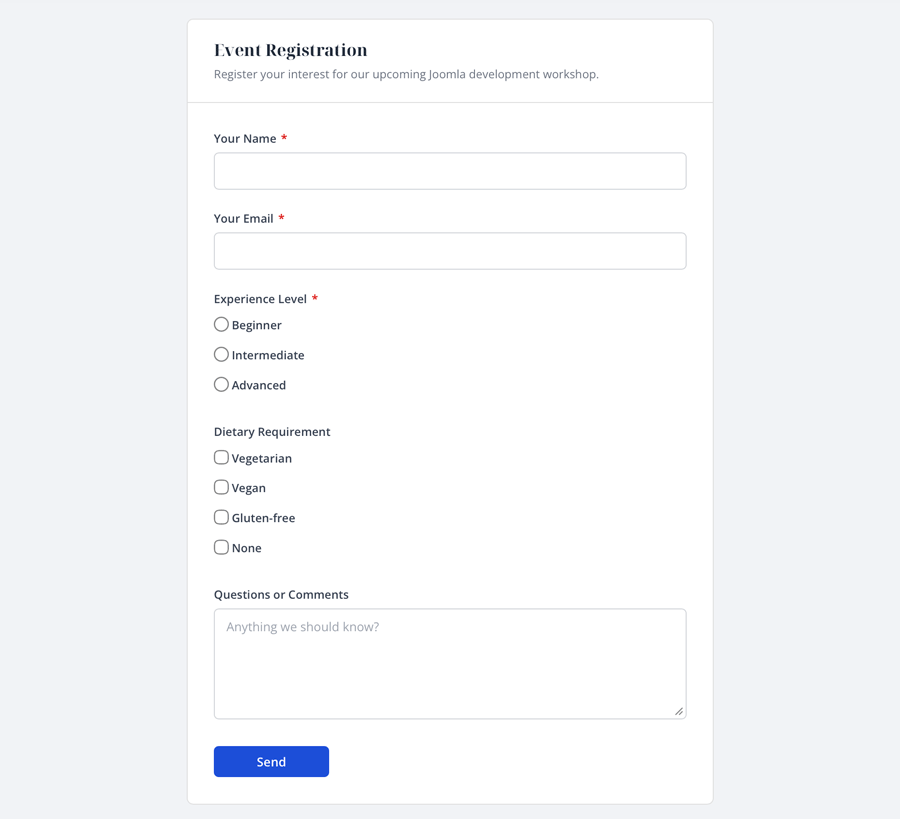
Embed your form on a page. Users can submit enquiries quickly and easily.
Final Thoughts
Postbox keeps Joomla forms simple, reliable, and fast without unnecessary complexity.