
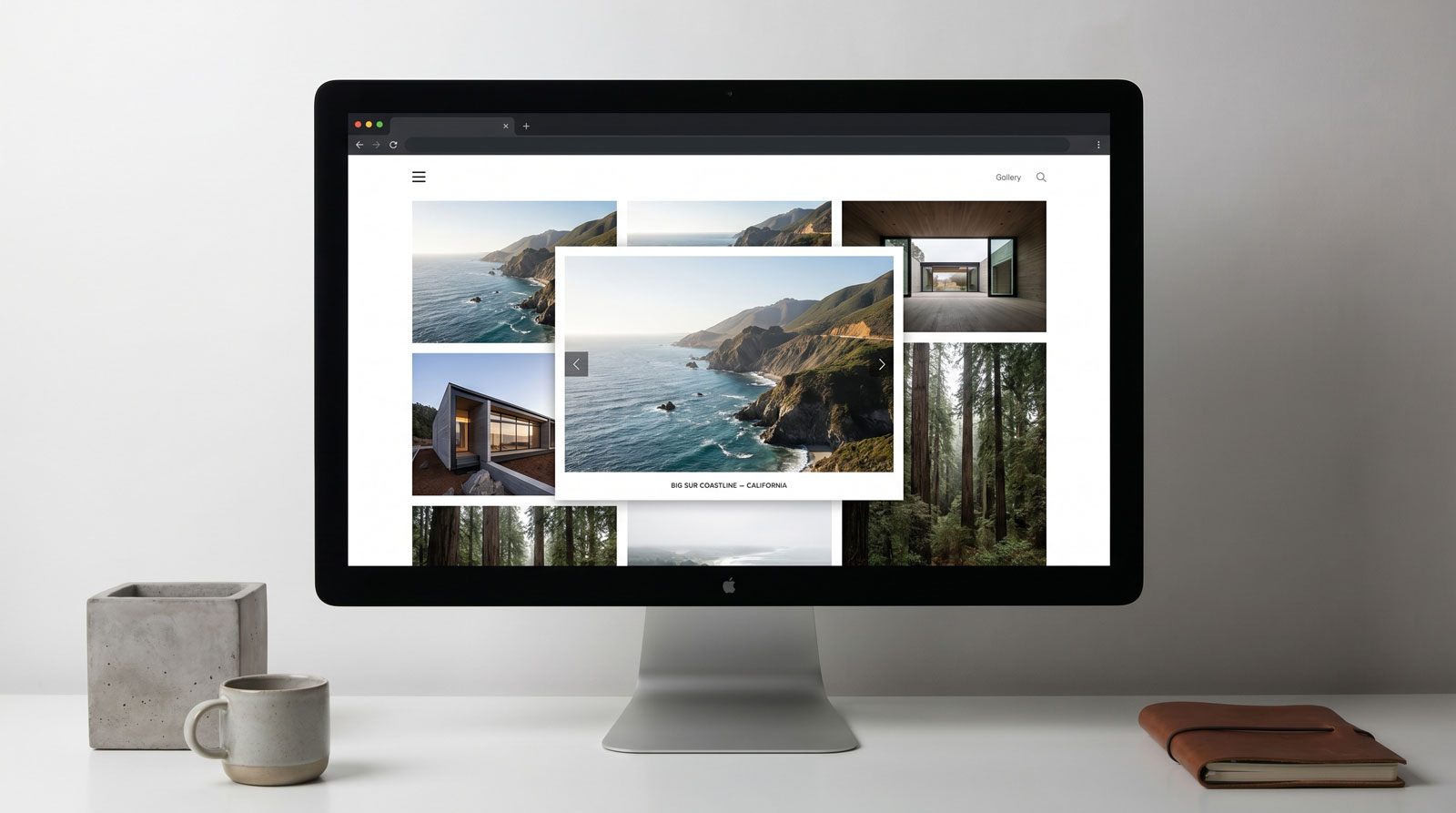
The free version of GalleryLab is genuinely useful. Responsive grid layout, a vanilla JS lightbox, lazy loading, drag-and-drop ordering, quick import from the Media Manager - it covers a lot of ground for a free extension and does it without any external dependencies.
So what does Pro actually add, and when does it matter?
This post walks through the differences honestly. If your needs are simple, the free version is the right answer. But if galleries are a significant part of what your Joomla site does, Pro gives you a much more complete toolkit.
The Free Version Does This Well
Before covering what Pro adds, it's worth being clear about what the free GalleryLab already handles:
- Responsive grid galleries with configurable columns
- Built-in lightbox with keyboard navigation, touch swipe and captions
- Multiple galleries with individual display settings
- Quick Add from Joomla's Media Manager, including automatic thumbnail generation
- Drag-and-drop image reordering in the admin
- Shortcode embedding via
- Native lazy loading for performance
- Clean SEF gallery URLs
If your site needs a well-presented image gallery and that list covers it, you're done.
Where the Free Version Hits a Ceiling
The gap starts to show when galleries become more than a secondary feature of your site.
A few scenarios where the free version runs out of road:
- You have a large media library split across multiple galleries and visitors need to filter or search within them
- Your galleries include video content alongside images
- You need to present the same content in different ways on different pages - a homepage banner, a product page slideshow, and a full browsable gallery, all drawing from the same source
- You're importing gallery content from spreadsheets or want to update metadata in bulk
- Presentation control matters - you need masonry or justified layouts rather than a standard grid
These are the problems GalleryLab Pro is built to solve.
What Pro Adds
More Layout Options
The free version offers a responsive grid. Pro adds:
- Masonry - images stack naturally based on their proportions, without the visual gaps that appear when you force different-sized images into a uniform grid
- Justified rows - images are resized to fill each row evenly by aspect ratio, giving a clean newspaper-style presentation
- Video-focused layouts - for galleries where video is the primary content
Each gallery gets its own layout, column count, spacing, corner style, hover effects and overlay colours. If you need further control, custom CSS can be scoped to an individual gallery.
Mixed Media
GalleryLab Pro handles video alongside images - YouTube, Vimeo, embedded or self-hosted, each with an optional poster image. For sites where a portfolio or product gallery includes demo videos, behind-the-scenes footage or event recordings, this removes the need to manage video separately in a different extension.
Tags, Filtering and Search
Images can be tagged - "Interiors," "Products," "Featured," or whatever makes sense for your content. Galleries can then offer frontend tag filtering, multi-select filters, and text search.
This is particularly useful when you have a large collection where visitors need to find specific content, or when you want one media library to power multiple curated presentations without duplicating images.
The Showcase Module
This is probably the most significant addition in Pro and the one that changes how you can structure a Joomla site.
The Showcase module takes any existing gallery and transforms it into a presentable module that can go into any template position. The same gallery can power a homepage banner and a dedicated gallery page at the same time - managed in one place, displayed in multiple contexts.
The module offers four presentation modes:
Slideshow - one image at a time with autoplay, fade or slide transitions, captions, navigation and pause-on-hover. Straightforward and reliable for banners and introductory sections.
Slider - a hero-style presentation with titles, captions and optional call-to-action buttons. Overlay position, colour, opacity and heading size are all configurable, making this suitable for full-width campaign sections.
Carousel - multiple images in a horizontally scrolling strip, with separate item counts for desktop, tablet and mobile.
Featured - one large primary image with selectable thumbnails underneath. Visitors switch images without leaving the page. This mode works particularly well for products, venues, case studies and portfolios where you want focused attention on individual items.
You can also control exactly what a Showcase displays: all images, images with a specific tag, a limited count, and in any ordering - gallery order, random, newest, oldest or alphabetical.
Bulk Import and Management
Pro includes a CSV import that can update titles, alt text, captions, tags, links, ordering, publication state and video details in bulk. There's also subfolder scanning to populate galleries from existing folder structures, import previewing to check matched and skipped items before committing, and thumbnail rebuilding to regenerate thumbnails from originals.
For agencies managing content at scale, or sites where gallery metadata needs regular updating, these tools make a practical difference.
There's also a free-to-Pro import that copies existing GalleryLab Free galleries across without altering the original data — so upgrading doesn't mean starting over.
Social Sharing and Lightbox Controls
The Pro lightbox adds social sharing for Facebook, X, Pinterest, WhatsApp and direct-link copying. Minor addition, but useful for sites where image sharing is part of the goal - events, public portfolio work, venue galleries.
Multiple Ways to Publish the Same Content
One practical benefit of Pro that's easy to overlook: a single gallery can be published in multiple ways simultaneously.
- A dedicated gallery menu page
- A browsable gallery directory
- A standalone slideshow view
- Embedded inside articles via shortcode
- As a Showcase module in a homepage or sidebar position
These aren't separate setups - they all draw from the same managed gallery. If you update an image or caption, it updates everywhere. For sites where galleries appear in more than one context, this is a meaningful efficiency.
Who Should Use Pro
GalleryLab Pro makes sense when:
- Galleries are a core feature of the site, not an add-on
- You need video alongside images
- Visitors need to filter or search a larger collection
- You want to reuse gallery content across different page sections with different presentation styles
- You're managing large galleries and need bulk tools
- Presentation control matters - layout variety, hero sliders, featured image modes
The free version remains the right choice for simpler needs: a clean portfolio section, a few product image galleries, a basic photo archive. It handles those cases well and there's no reason to pay for capability you won't use.
Final Thoughts
GalleryLab Pro sits in a specific place: it's built for sites where galleries need to do real work - presenting products, venues, portfolios and media libraries in a way that looks considered and stays manageable as the content grows.
It's not a general-purpose media manager or a digital asset system. It's focused on public-facing presentation, and within that scope it covers a lot of ground.
If you're already using the free version and finding it's not quite reaching what you need, the feature comparison above should make it clear whether Pro fills the gap.