
Includes: Component, Plugin
FAQLab
Create clean, structured FAQ sections that help visitors find answers quickly — while strengthening your site’s content and search visibility.
Publish organised questions and answers with a lightweight Joomla-native component designed for fast setup, simple management, and a clear frontend experience.
About this Extension
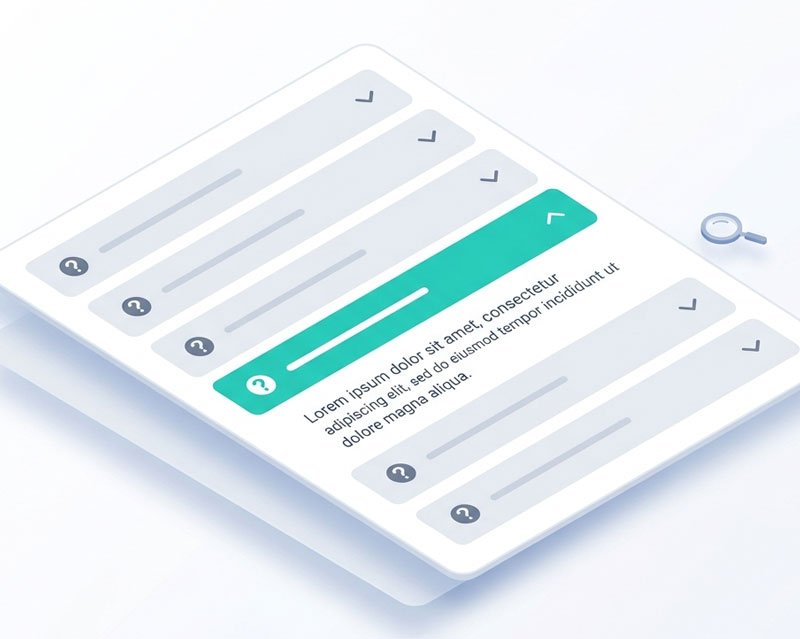
FAQLab is a lightweight Joomla FAQ component designed to help you organise and publish common questions in a clean, professional format. It gives you a simple way to manage FAQ content from the administrator and present it clearly on the frontend.
Built for Joomla 5 and 6, FAQLab focuses on straightforward content management, fast setup, and a user-friendly layout that works well for business websites, service pages, help sections, and knowledge-style content.
Who It’s For
- Businesses answering common customer questions — reduce repetitive enquiries with clear, accessible answers
- SEO-focused websites — publish structured content that supports search visibility
- Agencies — add polished FAQ sections to client sites quickly and efficiently
- Content-heavy websites — organise help, support, and informational content more clearly
Key Benefits
- Answer common questions clearly — give visitors the information they need without making them dig for it
- Improve the user experience — present FAQs in a clean, easy-to-scan layout
- Support SEO and visibility — publish structured content that strengthens important service and product pages
- Keep content organised — manage questions and answers in one place from the Joomla administrator
- Stay lightweight — use a focused Joomla-native tool without the overhead of bloated page-builder solutions
- Deploy quickly on client sites — a simple, dependable option for agencies and developers
Key Features
- FAQ Management — create, edit, and organise frequently asked questions from the Joomla administrator
- Clean Frontend Display — present questions and answers in a clear, readable layout
- Structured Content — organise FAQ content for help sections, service pages, and support information
- Responsive Output — FAQ layouts work cleanly across desktop, tablet, and mobile devices
- Lightweight Architecture — Joomla-native build designed to stay fast and focused
- Easy Site Integration — publish FAQ content where needed across your Joomla website
How It Works
- Create your FAQ entries in the Joomla administrator
- Add the questions and answers you want to publish
- Organise them for the section or page where they will appear
- Publish the FAQ section on your site
- Help visitors find answers faster with a clean, structured layout
Releases
Fixed
Fixed admin publish, unpublish, trash, and delete actions for FAQ items and categories by handling custom table state changes directly
Added manual ordering controls for FAQ items and categories in the administrator list views
Changelog
- Improved installer SQL compatibility for Joomla 4/MySQL environments by removing defaults from TEXT columns
Changelog
- Fixed special characters (e.g. &) in category names not displaying in edit form dropdowns
- Fixed category filter dropdowns on Items and Categories list views not being populated
Added update server support. The extension will now notify you of new versions via Joomla's built-in update manager.
Initial release of FAQLab, a lightweight FAQ component for Joomla 5 and 6. Create organised FAQ pages with accessible accordions, nested categories, live search, and Google FAQ schema markup. Embed FAQs anywhere using the {faqlab ID} shortcode.
Changelog
- Nested category system with unlimited depth and computed level/path
- Accessible accordion following WAI-ARIA pattern with full keyboard navigation
- Flat list layout option showing all questions and answers expanded
- Live client-side search filtering across questions and answers
- FAQPage JSON-LD structured data for Google rich results
- Content plugin for embedding FAQ categories via {faqlab ID} shortcode
- Two display modes for category listings: card grid or all FAQs grouped
- Rich text answers using the Joomla editor
- Configurable style options: heading colours, hover state, accent colour, border radius
- Three icon styles: chevron, plus/minus, or none
- Close-others option to auto-collapse panels when one is opened
- Smooth CSS transitions for accordion open/close
- Child categories displayed inline under parent with sub-headings
- Category descriptions shown above FAQ items on the frontend
- Admin CRUD for categories with tree-ordered list view
- Admin CRUD for FAQ items with category filter and search
- Category item counts shown in admin list and frontend
- Responsive mobile-first frontend layout
- Vanilla CSS and JavaScript with zero third-party dependencies
- Joomla 5 and 6 compatible