
Includes: Component, Plugin
QuizLab
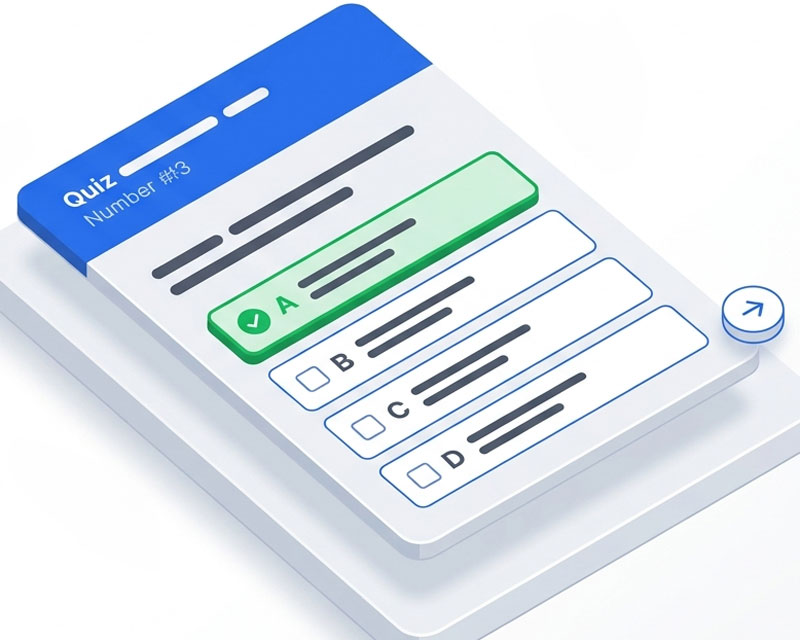
Run interactive quizzes with instant feedback and automatic certificates — perfect for schools, training, and event-based learning without user logins.
Create quizzes with multiple choice, true/false, and numeric questions, powered by a fast, AJAX-driven frontend built for Joomla 5 and 6.
About this Extension
QuizLab is a professional quiz component for Joomla 5 and 6. Create interactive quizzes with multiple question types, deliver them through a smooth AJAX-driven frontend, and track results with built-in analytics and PDF certificates.
Built using modern Joomla architecture, QuizLab is lightweight, fast, and designed for real-world use — from classrooms to large-scale online events.
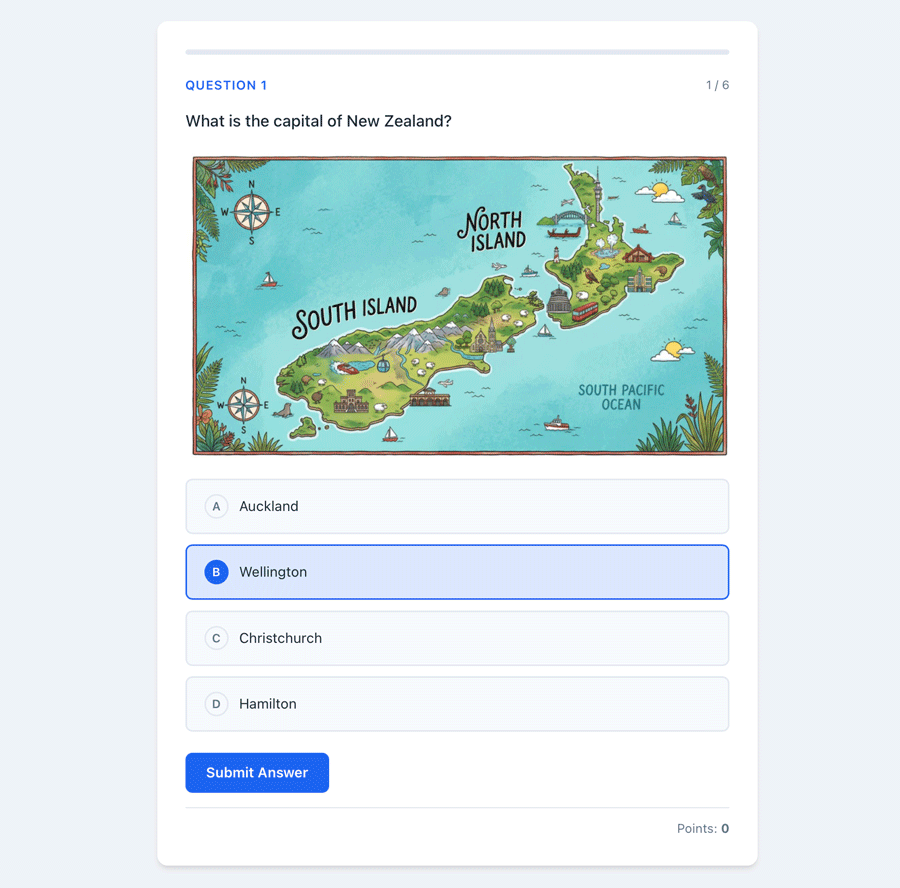
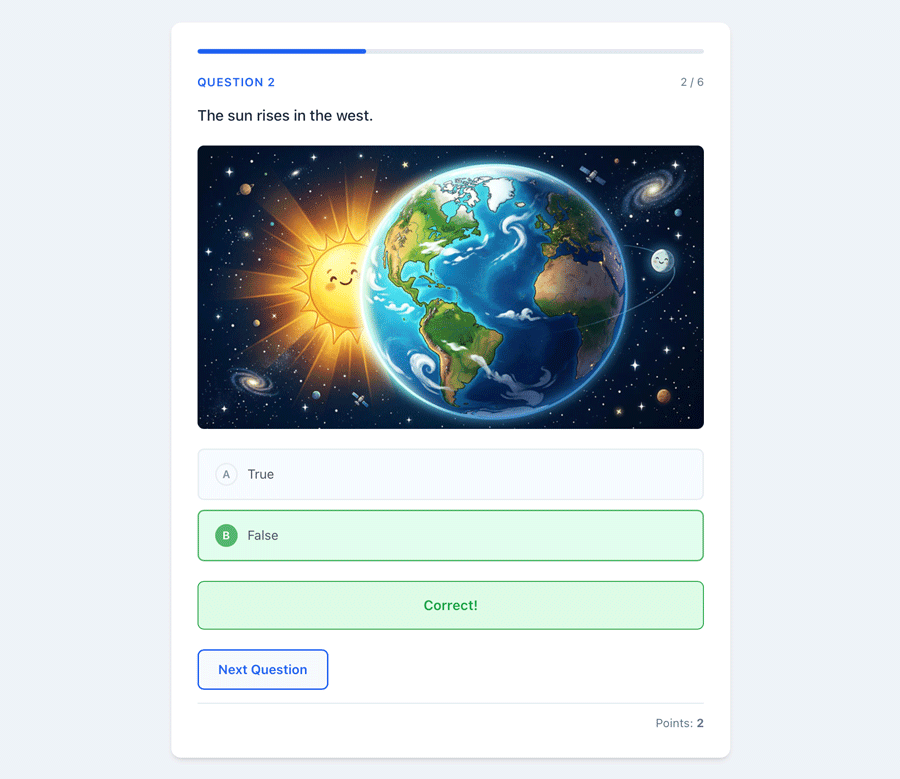
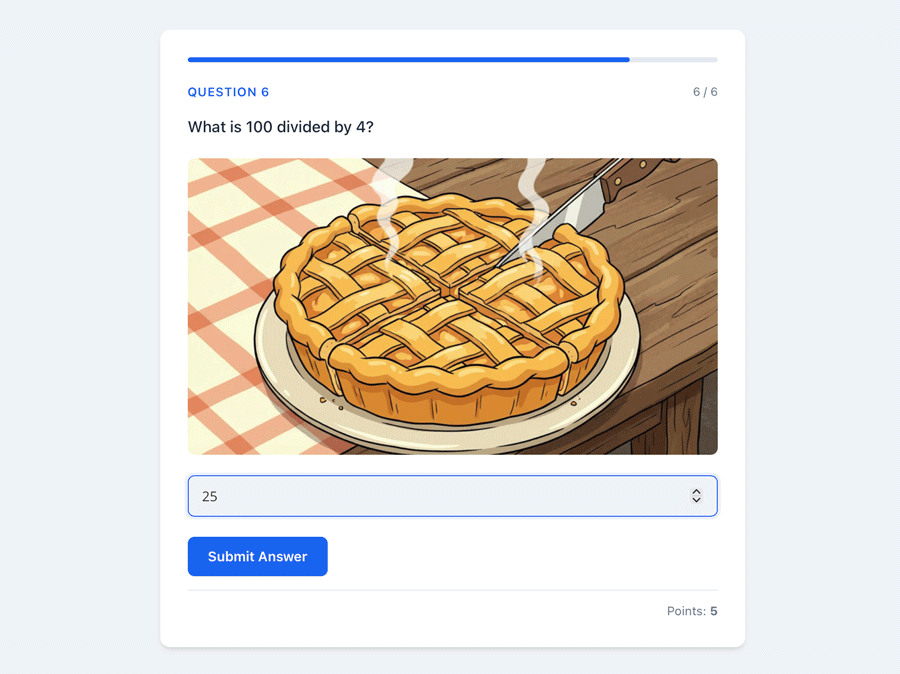
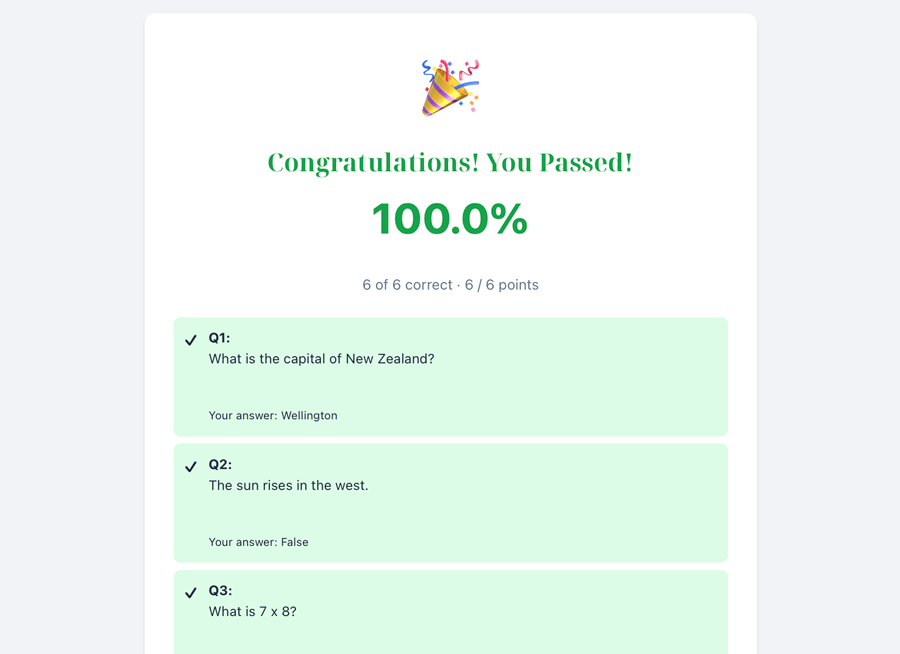
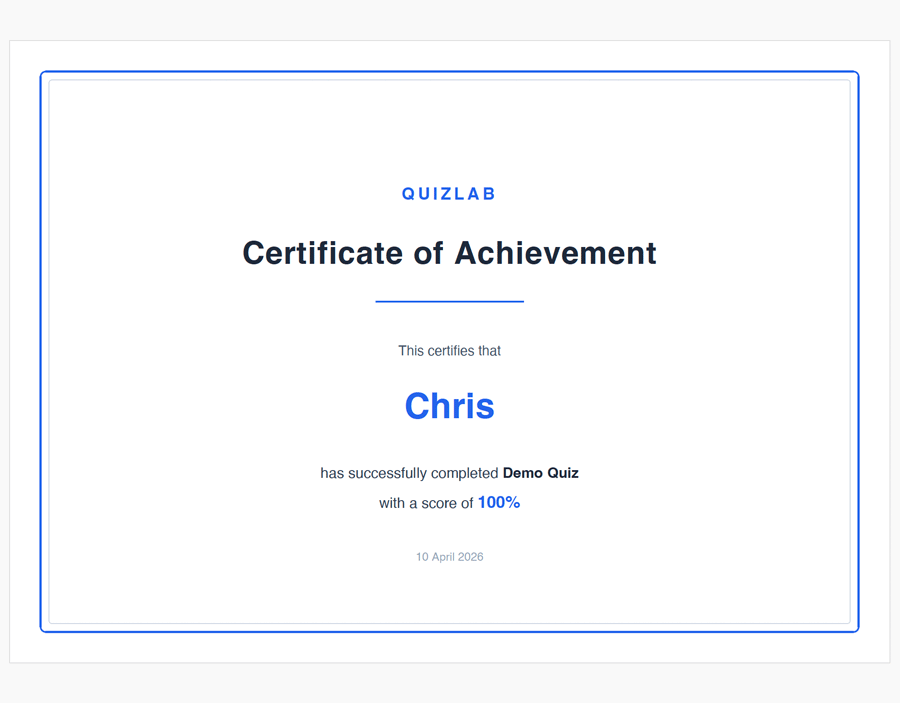
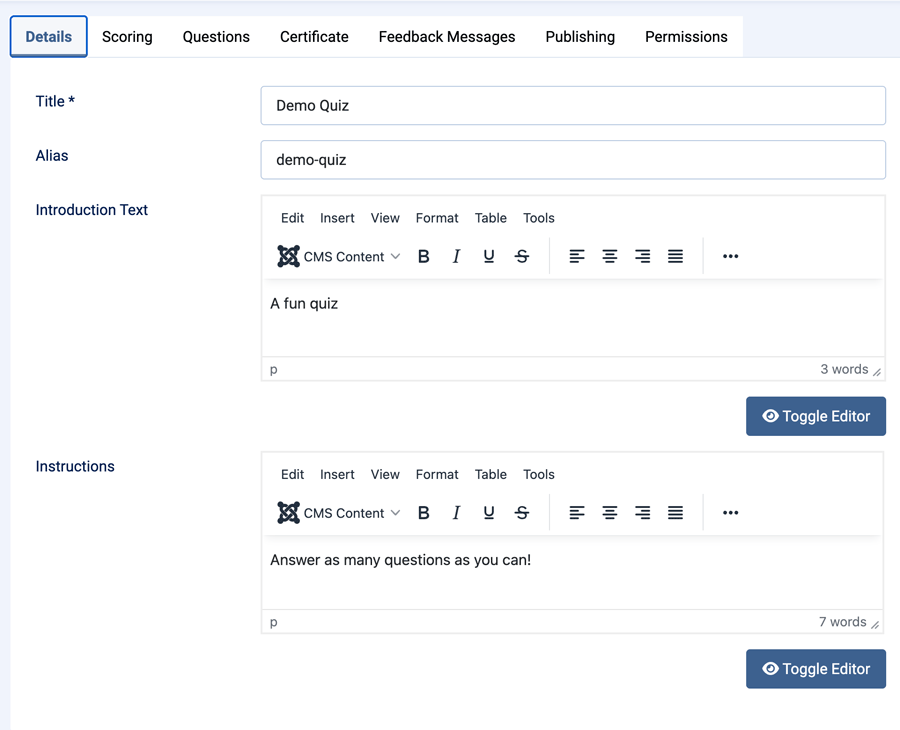
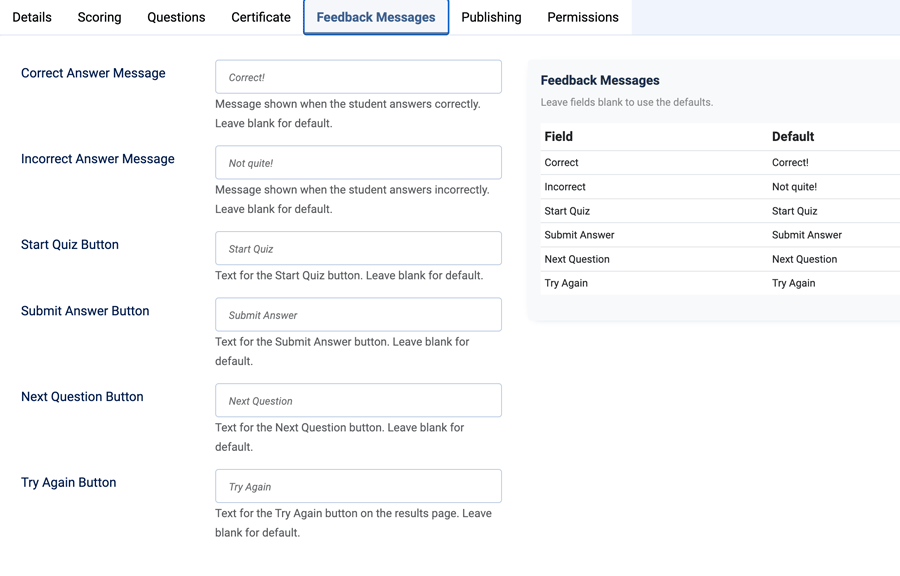
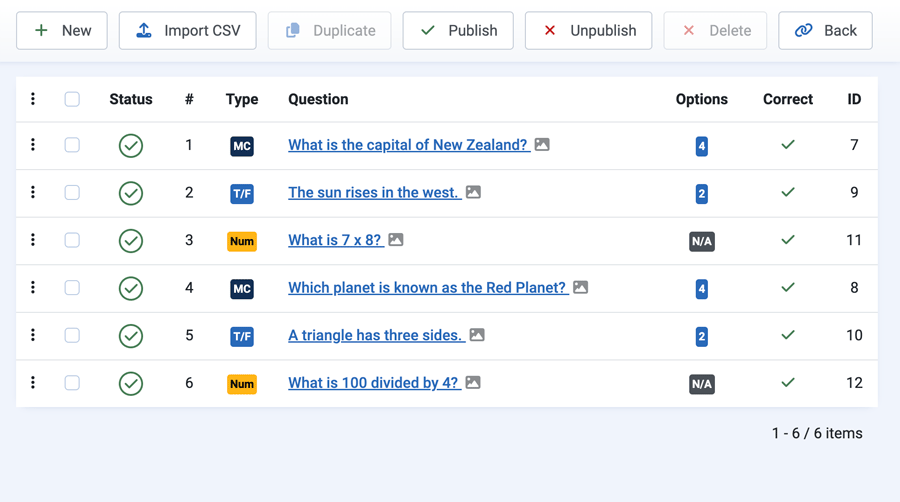
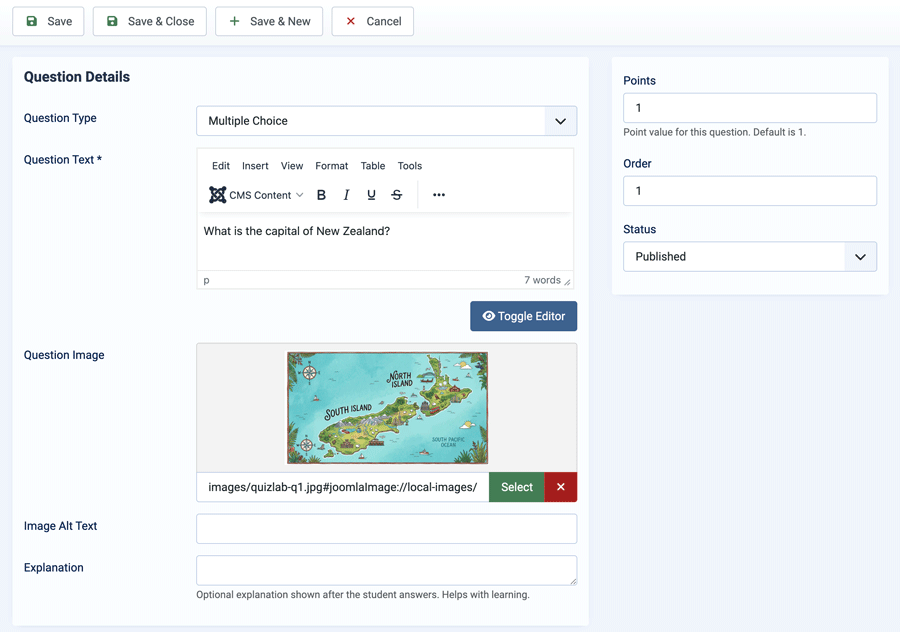
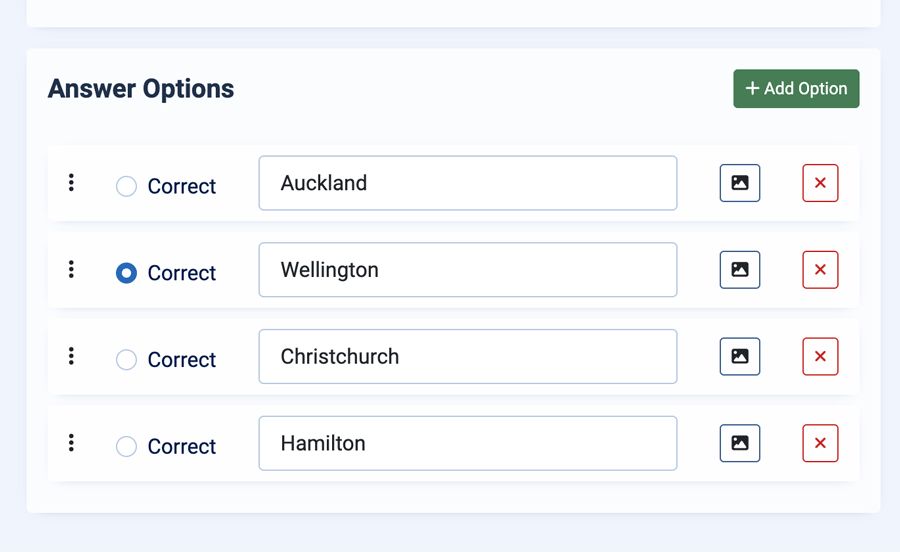
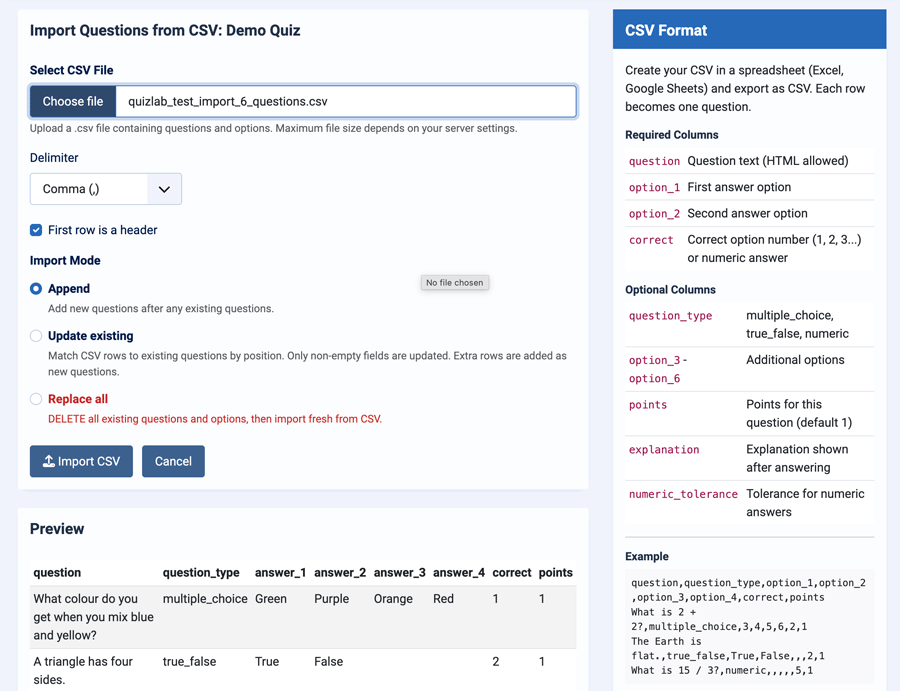
See QuizLab in action
Who It’s For
- Schools and education programmes — deliver structured quizzes with certificates
- Event organisers — ideal for campaigns like Maths Week
- Training providers — assess knowledge and track results
- Agencies — add interactive quiz functionality to client sites quickly
Key Benefits
- Create engaging quizzes quickly — support for multiple choice, true/false, and numeric questions
- Instant feedback improves learning — show correct/incorrect responses with optional explanations
- Automatically generate certificates — reward users instantly when they pass
- Bulk import questions in minutes — upload CSV files with preview and flexible mapping
- Never lose progress — quizzes resume automatically if a session is interrupted
- Track performance at a glance — built-in dashboard with scores, attempts, and pass rates
- Fully responsive and fast — smooth AJAX-driven experience on all devices
- Lightweight and modern — no frameworks, no jQuery, just clean Joomla-native code
Key Features
- Three Question Types — Multiple Choice (2–8 options), True/False, and Numeric with configurable tolerance
- Percentage-Based Scoring — set a pass mark per quiz (0–100%)
- PDF Certificates — generate downloadable certificates from the results screen
- CSV Import — bulk import with preview and multiple import modes
- Session Recovery — resume quizzes automatically after interruption
- Admin Dashboard — statistics for attempts, averages, and pass rates
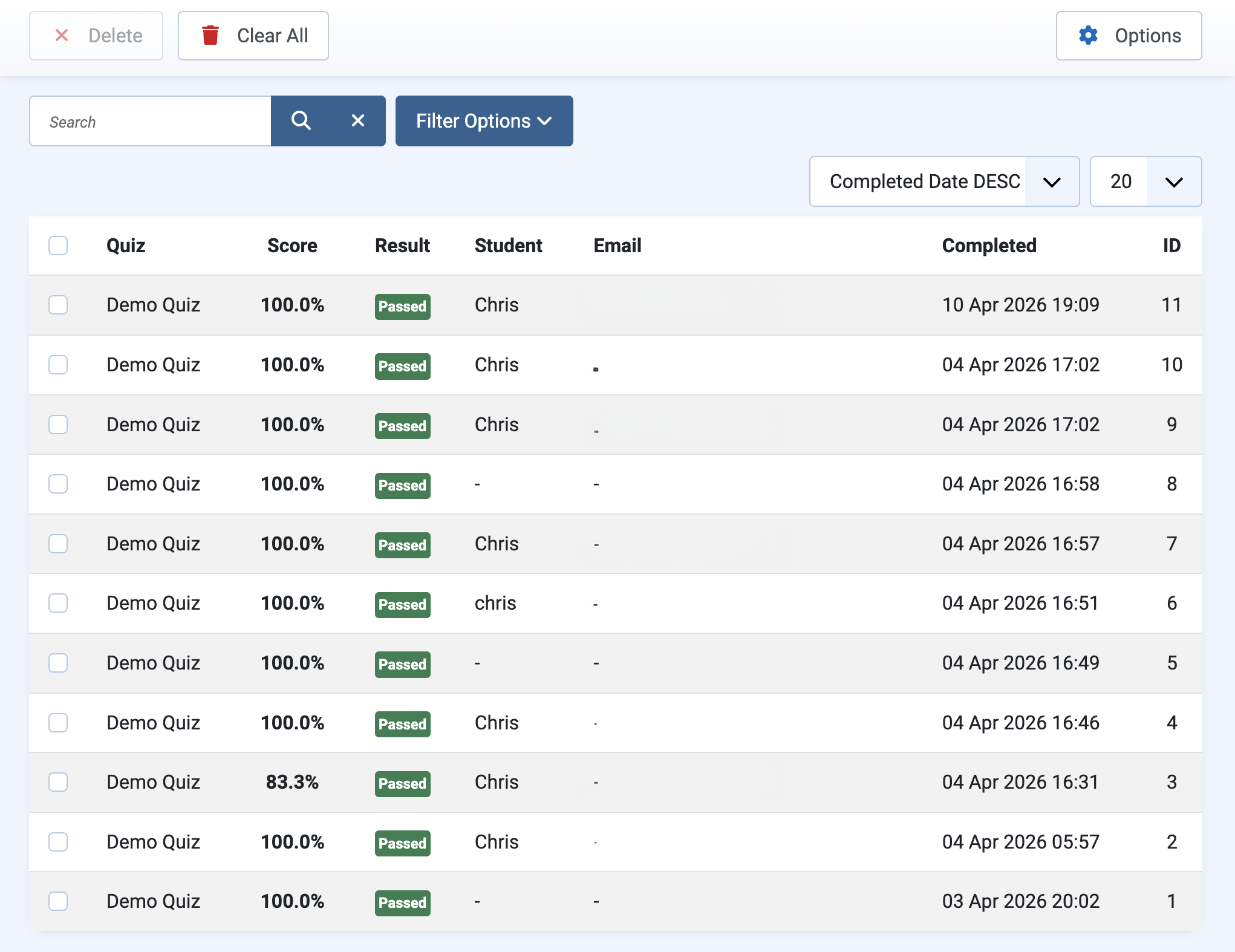
- Attempt Management — filter, review, and clean up attempts
- Question Images — attach images with alt text to questions and answers
- Drag & Drop Ordering — reorder questions easily
- Quiz Duplication — duplicate full quizzes in one click
- Customisable Labels — adjust buttons and feedback text per quiz
- Responsive Design — works across all screen sizes
- Lightweight — no external dependencies
How It Works
- Create a quiz and set the passing score
- Add questions or import them from a CSV file
- Create a menu item to display the quiz
- Users take the quiz and receive instant results
- Passing users can generate a PDF certificate
QuizLab is actively evolving — these features are part of our upcoming Business release.
Coming in Business Edition
- Multi-organisation training portal — manage multiple client organisations from one system
- Organisation dashboards — track staff progress, completion rates, and compliance
- Staff management — assign quizzes, monitor results, and manage users per organisation
- Compliance tracking — see who has passed, failed, or not started required training
- Certification expiry and renewal — automate recertification with expiry tracking
- Advanced reporting — export results across organisations for audits and training records
Free vs Pro
| Feature | Free | Pro |
|---|---|---|
| Core quiz delivery | ✓ | ✓ |
| Joomla 5 and 6 support | ✓ | ✓ |
| Question types | 3 core types | 8 assessable types |
| Informational Content Slides | — | ✓ |
| Answer explanations | Shared | Shared or conditional |
| Question and result redirects | — | ✓ |
| Time limits and randomisation | — | ✓ |
| Essay manual review | — | ✓ |
| PDF certificates | Basic | Customisable |
| Question bank and reports | — | ✓ |
| Support | Basic | Priority |
Releases
Bug Fixes
- Fixed quiz passing scores of
0%reverting to the default80%when saved - Passing score validation now preserves valid zero values while continuing to default missing or blank values to
80%
What's New
Added a companion Content - QuizLab plugin for article embeds.
Changelog
- New shortcode support: `{quizlab id=123}` and `{quizlab 123}`
- Optional shortcode attributes: `width` and `class`
- Quiz frontend JavaScript is now scoped per `.ql-quiz` instance so menu-link quizzes and inline shortcode quizzes can coexist
- Shortcode plugin loads QuizLab frontend CSS/JS directly from `/media/com_quizlab` so article embeds do not depend on the component WebAsset registry context
- Inline shortcode quizzes are constrained and centered to the same 720px max width as the menu-item quiz layout, including when a saved plugin width is 100%
- Shortcode `width` overrides now replace the default 720px cap, so `{quizlab id=123 width=100%}` can intentionally render wider
- Plugin strings are language-backed for Joomla language overrides
- New `pkg_quizlab-1.0.11.zip` installer bundles `com_quizlab-1.0.11.zip` and `plg_content_quizlab-1.0.1.zip` together
- Package manifest includes the TDCLab Joomla update server metadata
What's New
Certificate PDF font rendering fix for Cyrillic and other Unicode text.
Changelog
- Certificate PDF generation now uses Dompdf's bundled `DejaVu Sans` font instead of Helvetica-style fonts
- Dompdf default font for certificates is now set to `DejaVu Sans`
- Fixes translated Russian certificate text rendering as question marks in generated PDFs
- Manifest bumped to `1.0.10`
What's New
Follow-up localization pass based on v1.0.8 review feedback. Remaining English strings reported in the site, admin, certificate PDF, and CSV import areas now route through Joomla language constants.
Changelog
- Site quiz view: missing quiz ID error now uses `COM_QUIZLAB_ERROR_QUIZ_ID_MISSING`
- Quiz model: unknown question type, incomplete quiz, certificate eligibility, and certificate not found messages now use language constants
- Certificate PDF: title and completion/score text now use language constants so generated certificates can be translated
- Admin questions toolbar: `Unknown` fallback title now uses the existing `COM_QUIZLAB_UNKNOWN` key
- CSV import: auto-created True/False labels now use existing language constants
- CSV sample download and on-screen CSV example now use language-backed sample text and options
- Admin table validation, duplicate suffixes, certificate library errors, and quiz attempt edge-case errors now use language constants
- Added `tools/audit-joomla-language.php`, a reusable CLI audit gate for detecting likely hardcoded user-facing strings in Joomla extensions
- Manifest bumped to `1.0.9`
Changelog
- Manifest `` and `` now use language constants (`COM_QUIZLAB` / `COM_QUIZLAB_DESCRIPTION`) as required by Joomla conventions
- Attempt filter dropdowns (All Quizzes, All Results, Passed/Failed Only, sort options) — all now use language constants
- Dashboard table headings "Avg %" and "Passed" now translatable
- Questions list table headings (Question, Options, Correct) and type abbreviations (MC, T/F, Num) now translatable
- Quiz frontend: button and feedback default fallbacks now use language constants instead of hardcoded English
- Quiz frontend: client-side error strings (Unknown error, Invalid server response, Network error, Error: prefix) now injected from PHP labels
- Site controller (QuizController): all JSON error responses now use `Text::_()` — fully translatable
- Admin controller (QuestionController): "Question saved." confirmation now uses language constant
- Added empty SQL schema marker files for 1.0.4, 1.0.5, and 1.0.6 to keep Joomla database schema status clean
What's New
Full language file coverage — every user-facing string in QuizLab can now be translated or overridden via Joomla's standard language override interface (Extensions → Language → Overrides).
Previously, a number of strings were hardcoded in the template and JavaScript and could not be translated. The following strings are now covered:
- Quiz intro screen: "Pass:" label
- Question screen: "Question" prefix, "Enter your answer..." placeholder, "Points:" label
- Results screen: "Congratulations! You Passed!", "Better luck next time!", result detail sentence ("X of Y correct · A / B points"), "Your answer:" summary label
- Certificate form: heading, name/email labels and placeholders, "Generate Certificate" button, "Generating..." loading state, "Download Certificate (PDF)" link
Changelog
- Fixed certificate download failing on Joomla 6 with SEF routing enabled
- Improved certificate PDF layout with better vertical centering and spacing
- Fixed certificate generation spinning indefinitely on quiz retry
Added update server support. The extension will now notify you of new versions via Joomla's built-in update manager.
Initial release of QuizLab, a professional quiz component for Joomla 5 and 6. Create interactive quizzes with multiple question types, percentage-based scoring, instant feedback, PDF certificates, and CSV import.
Changelog
- Three question types: Multiple Choice, True/False, and Numeric with tolerance-based answer checking
- Percentage-based scoring with configurable pass marks (0-100%)
- Instant answer feedback with correct/incorrect messages and optional explanations
- PDF certificate generation for passing students using bundled Dompdf library
- CSV question import with auto-column mapping, live preview, and three import modes (Append, Update, Replace)
- AJAX-driven single-page frontend quiz with progress tracking and session recovery
- Admin dashboard with quiz statistics, attempt counts, and pass rates
- Attempt management with filtering by quiz, result, date range, and student search
- Drag-and-drop question reordering
- Quiz and question duplication
- Customisable button labels and feedback messages per quiz
- Responsive design with professional blue theme
- Question images with alt text support
- Question explanations shown after each answer
- Point values per question for weighted scoring
- Publish scheduling with start and end dates
- Access level control per quiz